
Source
{
  "title": "Hexo Fluid GitHub",
  "desc": "Hexo Fluid GitHub",
  "logo": "https://avatars.githubusercontent.com/u/93784371?s=40&v=4",
  "link": "https://github.com/fluid-dev/hexo-theme-fluid",
  "background": "#fff"
}{
"title": "Hexo Fluid User manual`",
"desc": "A Material Design style Hexo博客主题",
"logo": "https://hexo.fluid-dev.com/docs/fluid_hexo.png",
"link": "https://hexo.fluid-dev.com/docs/",
"background": "#fff"
}{
"title": "Fluid's blog",
"desc": "Fluid's blog",
"logo": "https://hexo.fluid-dev.com/docs/fluid_hexo.png",
"link": "https://hexo.fluid-dev.com/",
"background": "#fff"
}Fluid Profile
A Hexo Blog Theme with Material Design Style
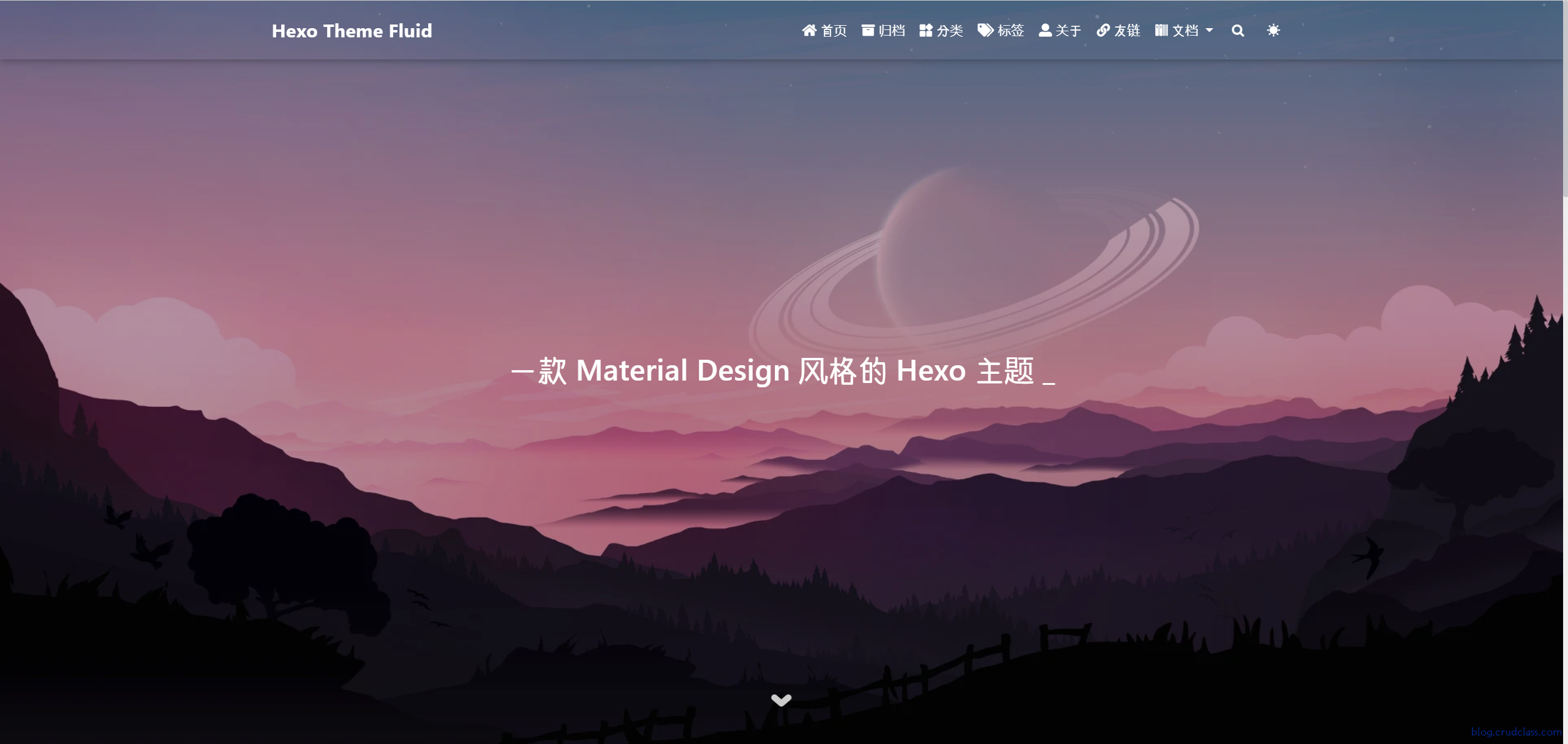
Install Theme(version:1.8.14)
For Hexo version 5.0.0 or above, we recommend installing it directly via npm and executing the command in the blog root directory:
npm install --save hexo-theme-fluidThen create _config.fluid.yml in the blog directory and copy the contents of _config.yml from the theme.
_config.fluid.yml and hexos_config.yml` the same level, you can configure the theme related content according to individual needs, can not access to view the blog Hexo Fluid theme_config.yml
Designation of topics
Modify _config.yml in the Hexo blog directory as follows:
theme: fluid  # Designation of topics

language: zh-CN  # Specify the language, it will affect the language of the theme display, change it as needed
Creating an About Page
The first time you use the theme's "About Page" you need to create it manually:
hexo new page aboutModify after successful creation /source/about/index.md,add layout property。
An example of the modified file is shown below:
---
title: title
layout: about
---

Write the body of the About page here, support Markdown, HTML
layout: about Must be present and cannot be modified to any other value or styles such as avatars will not be displayed.
其他
For more detailed configuration information, etc., please refer to the official documentation