.jpg?x-oss-process=image/resize,m_pad,w_268,h_160/watermark,type_ZmFuZ3poZW5na2FpdGk,size_10,text_YmxvZy5jcnVkY2xhc3MuY29t,color_ffffff,shadow_0,t_100,g_se,x_10,y_10)
资料来源
{
  "title": "Hexo",
  "desc": "Drone is a self-service Continuous Integration platform for busy development teams.",
  "logo": "https://hexo.fluid-dev.com/docs/fluid_hexo.png",
  "link": "https://hexo.io",
  "background": "#fff"
}
What is Hexo?
Hexo is a fast, clean and efficient blogging framework that uses Markdown (or other rendering engines) to parse posts and generate static web pages with beautiful themes in seconds.
Install (in a Windows environment)
Information about Hexo installation version hexo: 5.4.1 hexo-cli: 4.3.0 os: win32 10.0.22000 node: 16.14.0 v8: 9.4.146.24-node.20 uv: 1.43.0 zlib: 1.2.11 brotli: 1.0.9 ares: 1.18.1 modules: 93 nghttp2: 1.45.1 napi: 8 llhttp: 6.0.4 openssl: 1.1.1m+quic cldr: 40.0 icu: 70.1 tz: 2021a3 unicode: 14.0 ngtcp2: 0.1.0-DEV nghttp3: 0.1.0-DEV
1.install Node.js
2.Installing Git
3.install Hexo
Once all the necessary applications are installed, you can install Hexo using npm.
bashnpm install -g hexo-cliFor advanced users familiar with npm, you can install the hexo package only partially.
bashnpm install hexo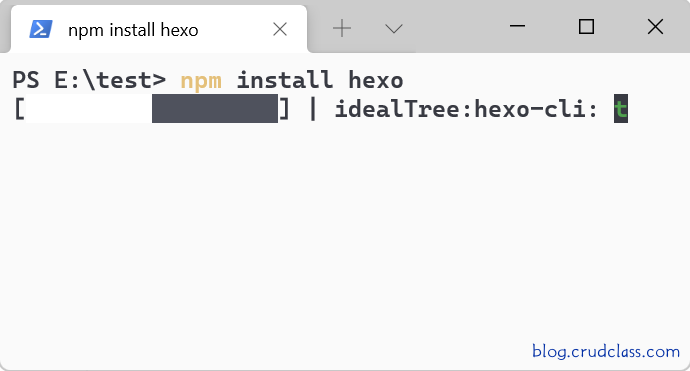
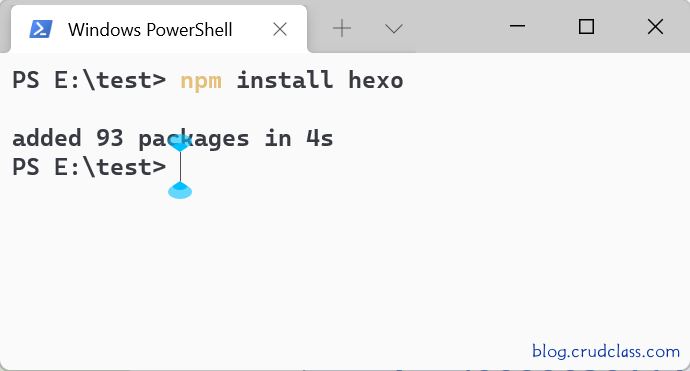
After installation, Hexo can be executed in one of two ways:
npx hexo <command>bashUsage: hexo <command> Commands: help init version Global Options: --config --cwd --debug --draft --safe --silent If you need more help, you can use "hexo help [command]" to get detailed information. Alternatively, you can view the documentation: http://hexo.io/docs/Add node_modules to the environment variable in the directory where Hexo is located, and you can use it directly.
hexo <command>:echo 'PATH="$PATH:./node_modules/.bin"' >> ~/.profileNotes:
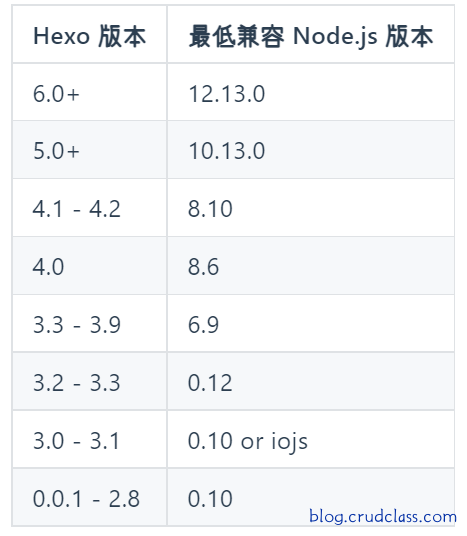
Node.js Version restrictions We strongly recommend always installing the latest version of Hexo, as well as the recommended Node.js version
start a website
1. hexo init <folder>
# Since node modules from the Hexo directory are not added to the environment variables, npx is required
npx hexo init hexo
# post-success
INFO  Cloning hexo-starter https://github.com/hexojs/hexo-starter.git
INFO  Install dependencies
INFO  Start blogging with Hexo!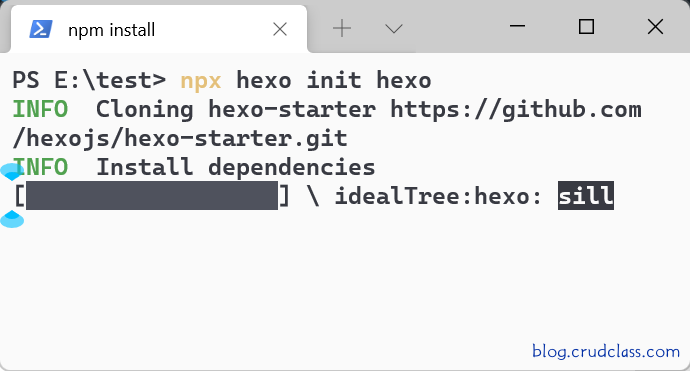
2. After success, enter the corresponding folder from the command line cd <folder>
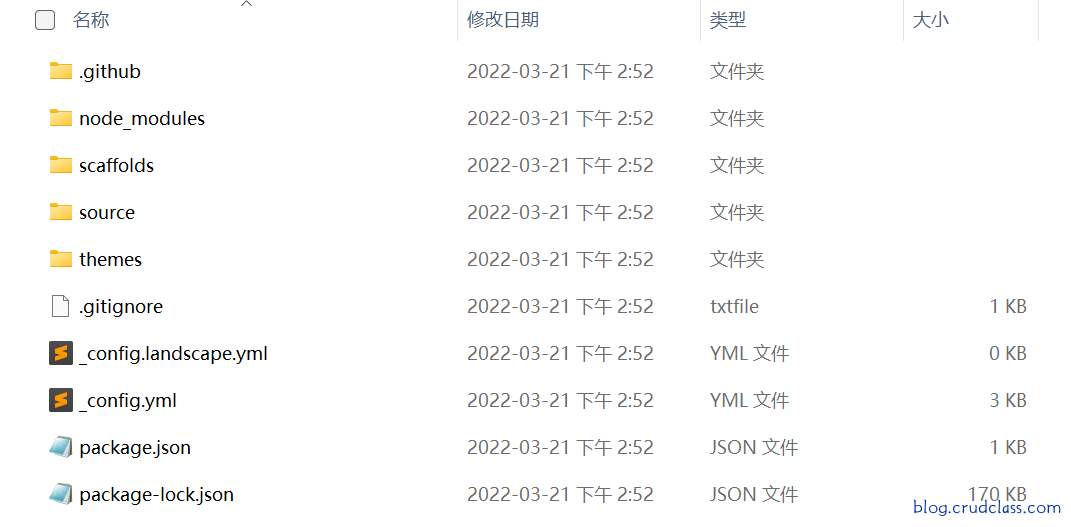
3. Executed via the command line npm install
4. Configure _config.yml based on Official Chinese documentation configuration
5. Run Hexo
You can open the root directory with vscode and execute the npm script
server hexo server.Note:Might need to install a plugin. npm; npm Intellisense
Or via command, run Hexo.
bashPS E:\test\hexo> npx hexo server INFO Validating config INFO Start processing INFO Hexo is running at http://ip:4000/ . Press Ctrl+C to stop.Visit http://ip:4000/ to view in the browser.
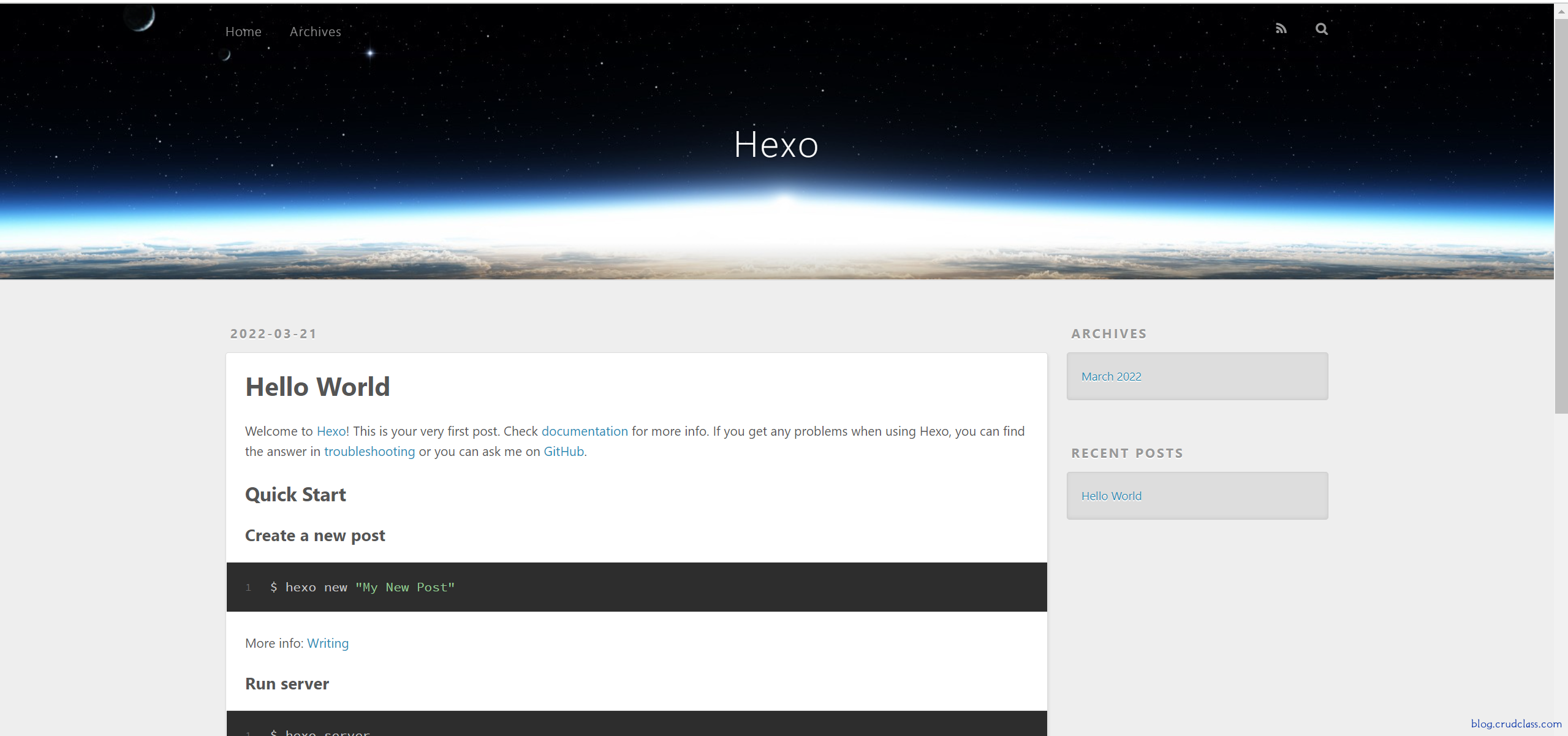
6. Instruction
# Generate static files。
hexo generate
# Clear the cache files db.json and the generated static files public。
hexo clean
# deploy a website
hexo deploy
# Start the server. By default, access the URL at: http://ip:4000/
hexo server
More detailed information on commands can be accessed via the official website [instructions].(https://hexo.io/zh-cn/docs/commands)